
This article applies to the following ScreenBeam products:
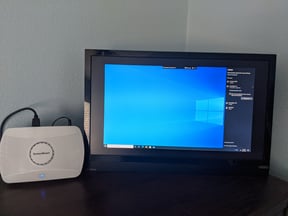
When connected to the ScreenBeam if you see black bars surrounding the image on all sides of the screen. As shown here:
This is most likely due to an Intel Graphics setting.
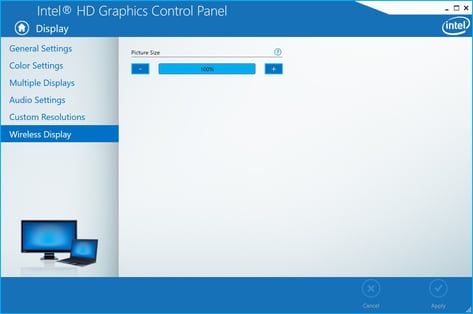
1.Connect to your ScreenBeam right click on your Desktop and click "Graphics Properties..."
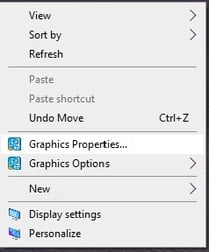
2.Select "Display"
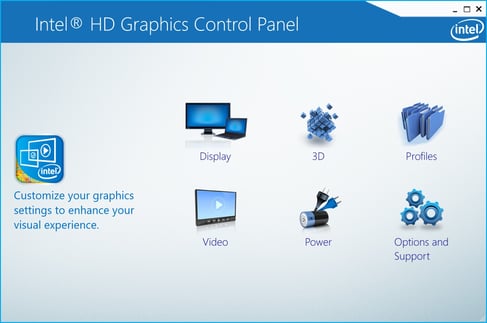
3.Select "Wireless Display"
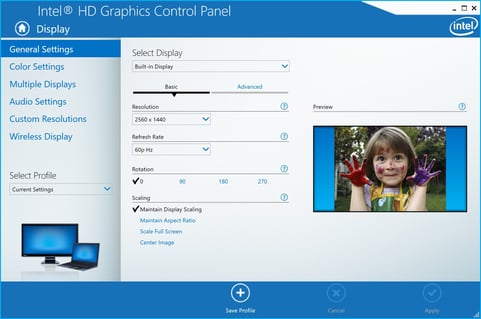
4.Move picture size from 85% to 100% and click "Apply"
Note: If you have an Intel Graphics card but are missing this app you can find it here.